
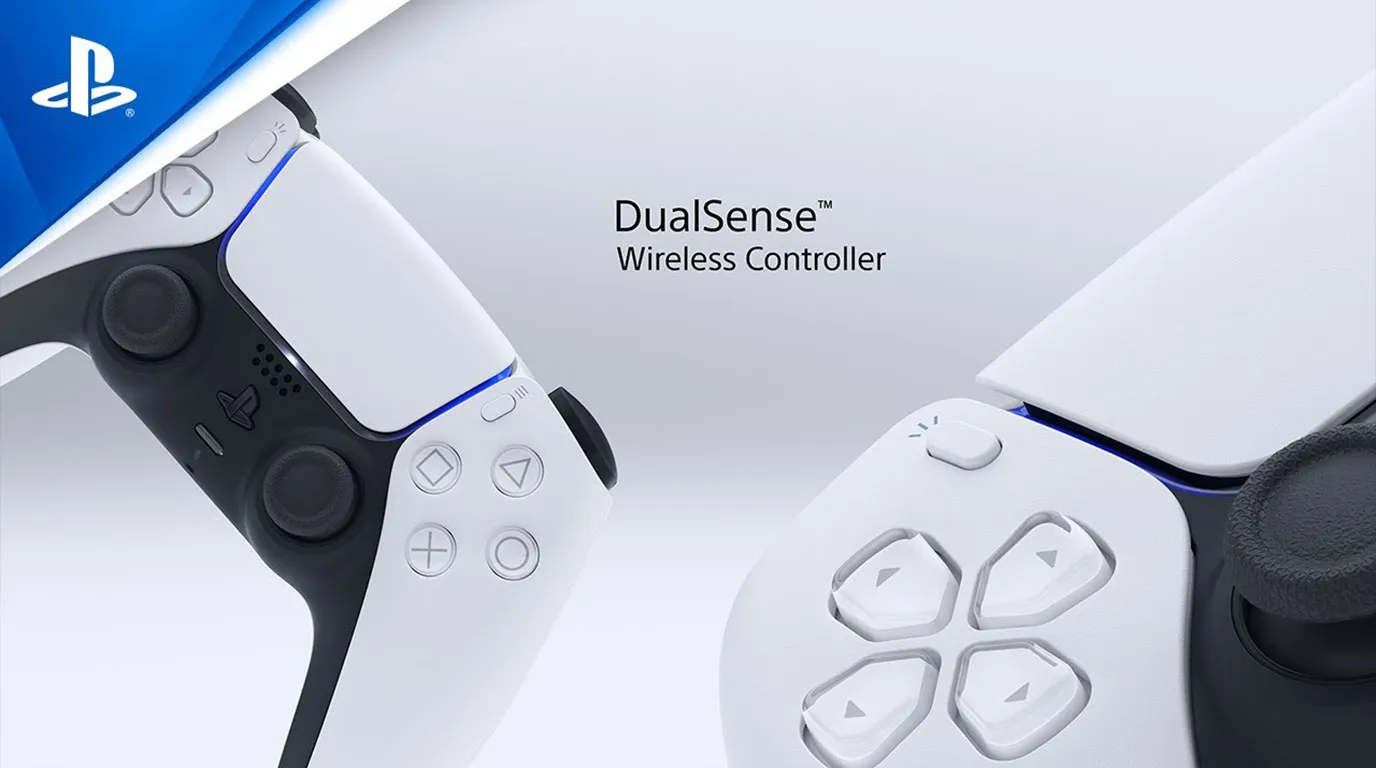
Aside from the PS5 DualSense's great features, like adaptive triggers enabling haptic feedback and many more, did you know that the DualSense controller of the PlayStation 5 has a built-in microphone, which is a voice chat feature that enables us to talk with gaming friends when you are playing games online?
This is a great feat because it is built into the system. However, we are always free to purchase another gaming headset that offers better features and quality for a certain price.
Here in this article, we will cover how to enable and disable the DualSense controller's microphone.
Did you know? The microphone is open by default.
Please take note that when you open your PlayStation 5 console, the microphone on your DualSense controller is ON by default settings and always listening. It is set to on, so it improves our gaming experience.
When is the best time to mute the DualSense microphone?
- If you are playing simple games, you are not into online gaming/online games. These don't require any voice commands or microphone functions at all.
- When you are live streaming and using a different audio device. If you're planning to stream your games, I highly recommend you buy a headset mic to your favorite brands with much better features.
How to disable the microphone on your DualSense controller:
On the home screen—PlayStation menu, go to the settings menu > go to sound (audio settings) > microphone settings, then go to microphone status when logged in and set it to MUTE.
That way the Dual sense microphone will be turned off or disabled every time you turn on your PlayStation console. You can always turn this on by going to the settings.
What happens if the microphone has been muted?
- You won't be able to record your voice.
- You will not be able to speak and participate during online multiplayer games.
- Your fellow gamers won't hear you during party chat, etc.
Pretty easy and basic, right?
So that is how we turn off the DualSense microphone. You may also watch the video below to follow the guide.
Video Source: Chad Reddings
But wait, there's more! Did you know that there is another interesting feature of the DualSense mic?
Does DualSense offer voice commands? Yes!
Let's add another feature that is related to DualSense microphone usage - voice commands! I was actually surprised when I found out that PlayStation offers this feature—although it is not its strong point, but it's a nice feature to have!
Here are some of the voice commands that you can perform:
- "Hey PlayStation"—this" command initializes the voice command feature, and your console will begin listening to your next command.
- "Open [game]" - opens a specific game or application
- "Go Home"
- "Play"—plays/resumes the selected media.
- "Pause" pauses the selected media.
- "Take Screenshot"—makes" a screenshot of the actual game.
Here are some of the voice commands—there are more features, and I will be covering this topic in a separate post.
Another cool thing is the Voice Command (Preview) is an ever-learning assistant that gets smarter every time you use it—really? That would be great! Later on, it will provide more accurate functions as it learns more.
In Summary
The PS5 offers much more than just high-quality gaming! The DualSense controller has a few handy features, and one of them includes the various microphone features. Majority of us gamers do not know these feats, but once we explored the features, we really are in for a treat!
Did you learn something from this article? Let me know what you think in the comments section below.
Recommended Reading:
How to Eject a Disc from Your PlayStation Console
How to Reset My PlayStation 5 DualSense Controller
How to Transfer Gameplay Clips from PlayStation to Phone




.png)