
After months of researching and comparing the best portable handhelds on the market, I finally decided to purchase a PlayStation Portal! You might be wondering if this device is a worthwhile investment or just a waste of money. While there are strong competitors like the Steam Deck, ROG Ally X, and Lenovo Legion Go, I want to share the specific reasons why I chose this console over the others.
Let’s dive in on each item:
You want to save money
Compared to the Steam Deck, which is one of the more affordable standalone handhelds, the PlayStation Portal costs roughly half the price. Since I already owned a PS5, I didn't have to factor in the cost of a new library or expensive internal hardware.
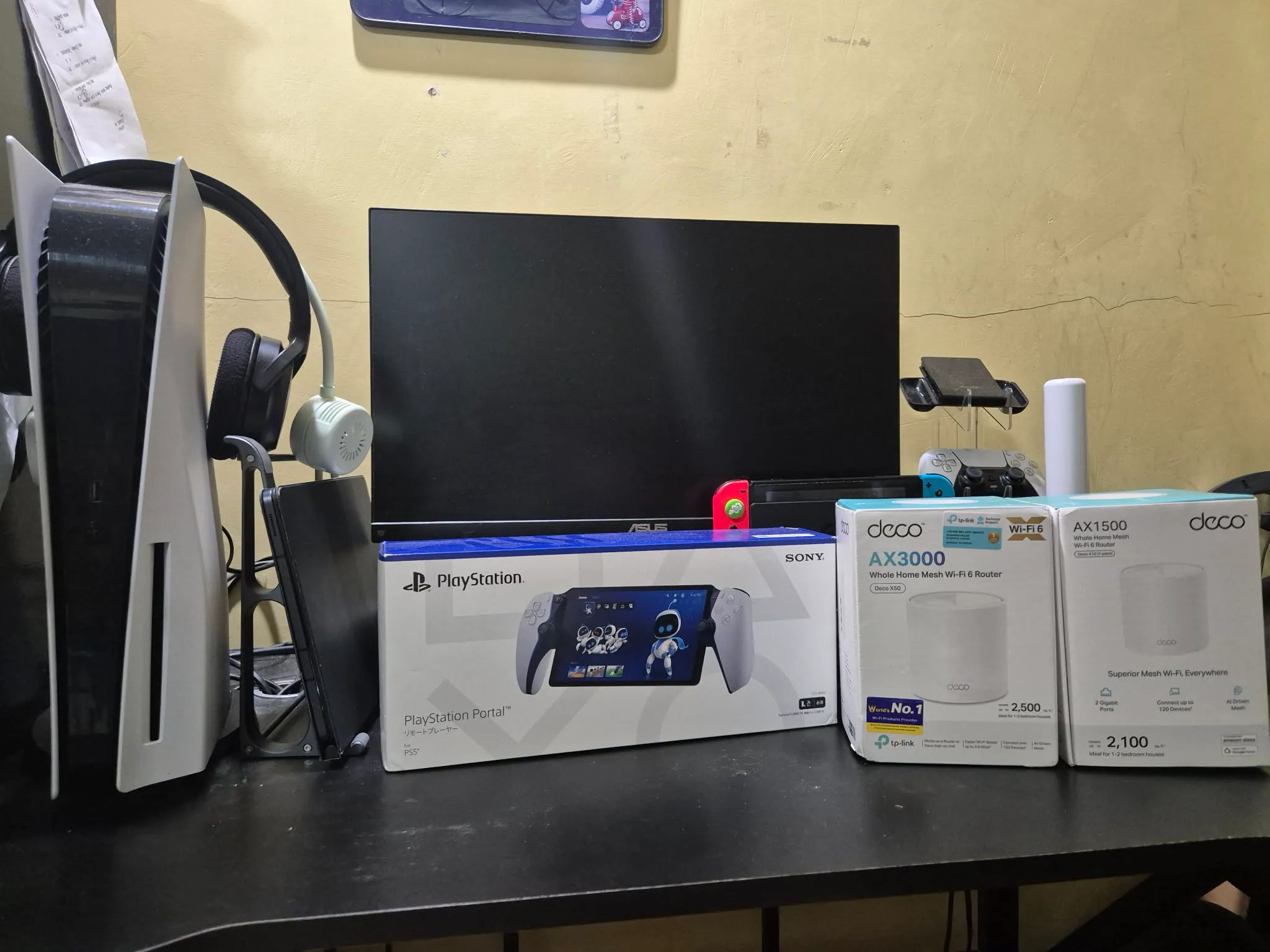
To be honest, buying a PlayStation Portal has pushed me to upgrade my home wifi setup, so I think I didn't save money at all haha! But I didn't regret upgrading my internet because it has also increase my productivity at my work from home setup. Here's a photo of my humble setup as a whole.
You already own a PS5
Owning a PS5 is a huge advantage because, even though the console is now several years old, it still runs AAA titles with heavy graphical requirements effortlessly. If you want to enjoy that high-end experience on a portable scale, the PS Portal is the most logical extension of your setup.
You prefer paid games over pirated content
While some gamers prefer handhelds that allow for "cracked" or pirated games, the PlayStation Portal is designed for users who value an authentic ecosystem. It requires a PlayStation Network account and authentication before you can access your library, ensuring a secure and official experience.
You have a large PlayStation game library
I have been a PlayStation fan since I was young, and over the years, I have built a substantial collection of games, especially on the PS4. Because the PS5 is backward compatible, I can simply download those digital titles and play them via Remote Play on my Portal.
Showing you my humble game library. This does not include the games I sold in the past. 😄
You want to play the exclusives on a gaming handheld
PlayStation’s biggest edge is its exclusive titles. New games often release on this platform first before moving to others months or years later. Owning a Portal allows you to enjoy these premium exclusives in the palm of your hand.
You have a strong internet connection
This is the most critical factor to consider before buying a PlayStation Portal. Many gamers experience buyer’s remorse because their home Wi-Fi isn't optimized for streaming. To ensure a smooth experience, I recommend the following setup:
- Router: Must support the 5.0GHz band.
- Wi-Fi Standard: At least Wi-Fi 5, though Wi-Fi 6 is highly recommended for optimal performance.
- PS5 Connection: Your PS5 console should be connected to your router via a LAN cable (CAT6 or above is best).
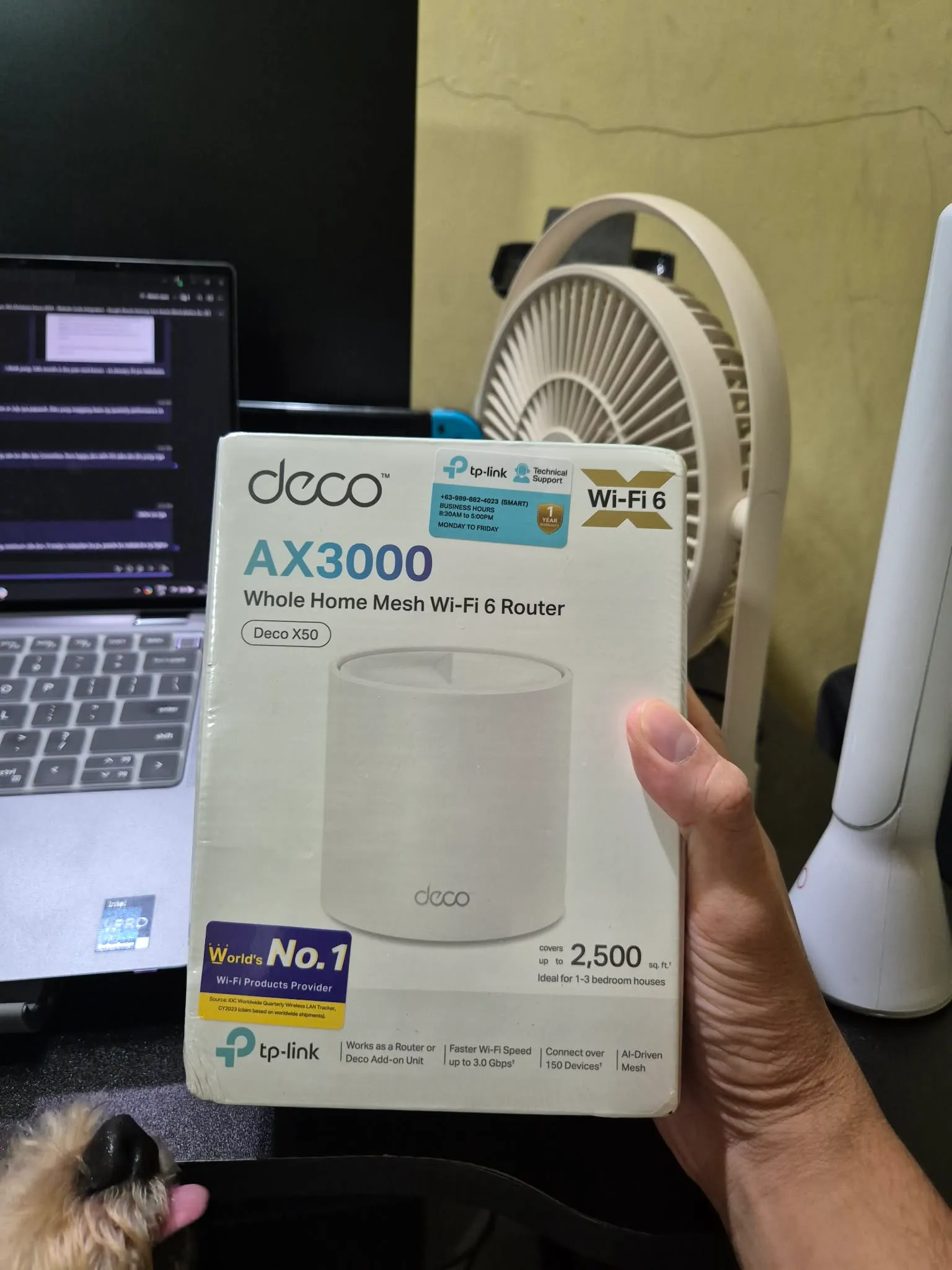
This is the router that I bought that elevated my gaming experience at home. It's highly recommended! Deco AX3000 (Deco X50) Home Mesh Wi-fi 6 Router
Pro Tip: Before buying the PS Portal, download the PlayStation Remote Play app on your phone or tablet. If the app runs smoothly without lag, you can feel confident that the PlayStation Portal will work well in your home.
You want the flexibility to play anywhere at home
One of the best perks of a handheld is the ability to play anywhere. However, keep in mind that the Portal is primarily designed for use "at home." Playing outside can be challenging due to public internet restrictions, but if your home Wi-Fi is set up correctly, the experience is flawless.

You want a "plug and play" experience
The PS Portal doesn't run games natively, so you don't have to worry about messy configurations or hardware limitations. Once your Wi-Fi requirements are met, it feels exactly like playing on a PS5. I’ve been able to play Stellar Blade, Cyberpunk 2077, Ghost of Tsushima, and Final Fantasy VII Rebirth and Baldur’s Gate 3 at 1080p/60fps with max settings seamlessly.
The video below shows how I can play Stellar Blade on my PS Portal seamlessly, without adjusting the graphics settings, etc. All I need to meet is the strong internet connection. Pretty slick, right? 😄
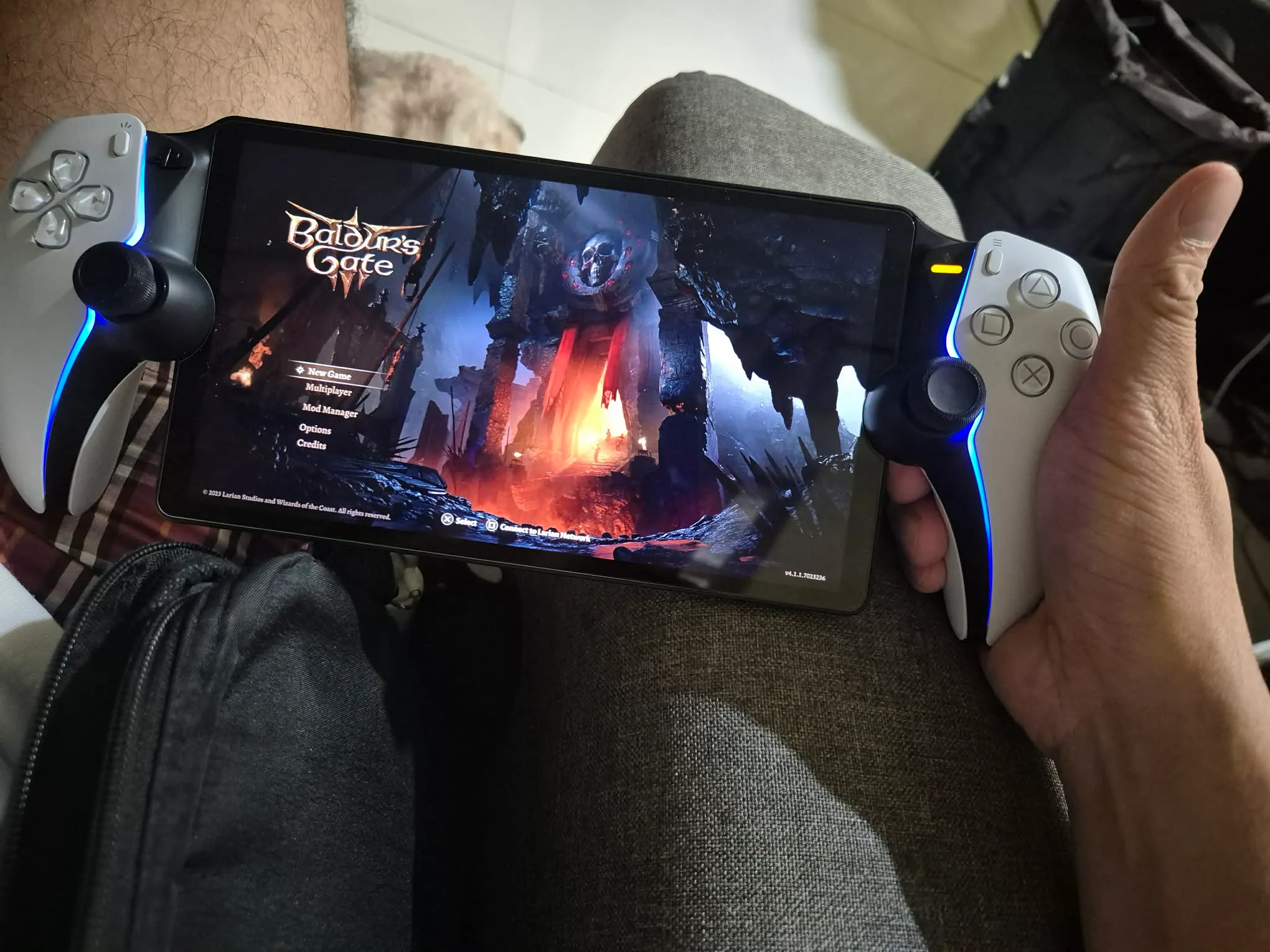
And here's another game that runs very smoothly with the PlayStation Portal... Baldur's Gate 3! The other gaming handhelds had a hard time running this game smoothly, but on the PlayStation Portal, it runs seamlessly at 1080p60!
You prefer the iconic PlayStation button layout
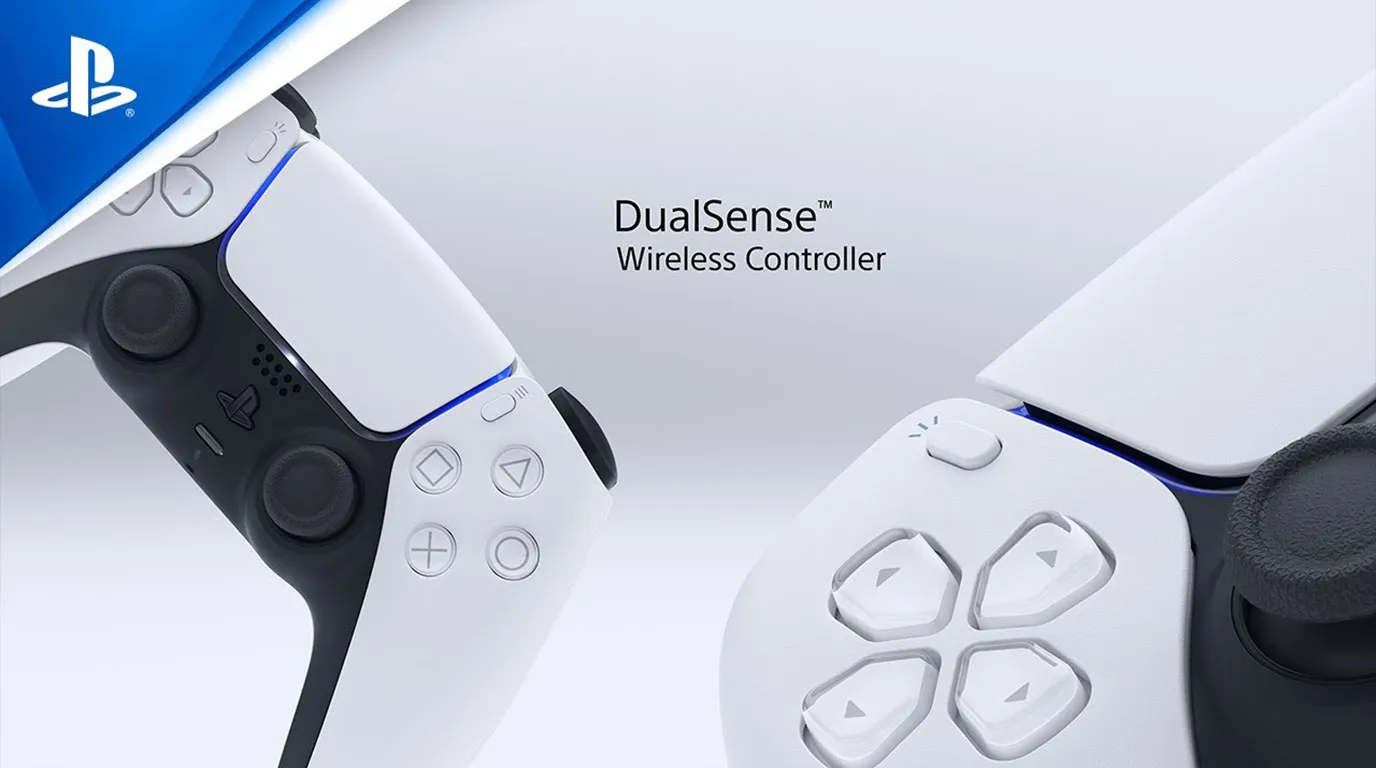
Personally, I find the ABXY button layouts on PC and other handhelds confusing because they differ from the Nintendo Switch layout. With the classic Triangle, Square, Circle, and Cross (X) buttons, I can play quickly by muscle memory without ever looking down at the controller.
Note: This is just me and my preference. Other gamers are hardcore and are used to buttons of PS, NSW, Xbox, and PC.
In Summary
I bought my unit in November 2024, and it has been perfect for playing in different rooms around the house. While playing "on the go" is a different story for another article, the Portal has been a true "backlog beater" and one of my best purchases for 2025!
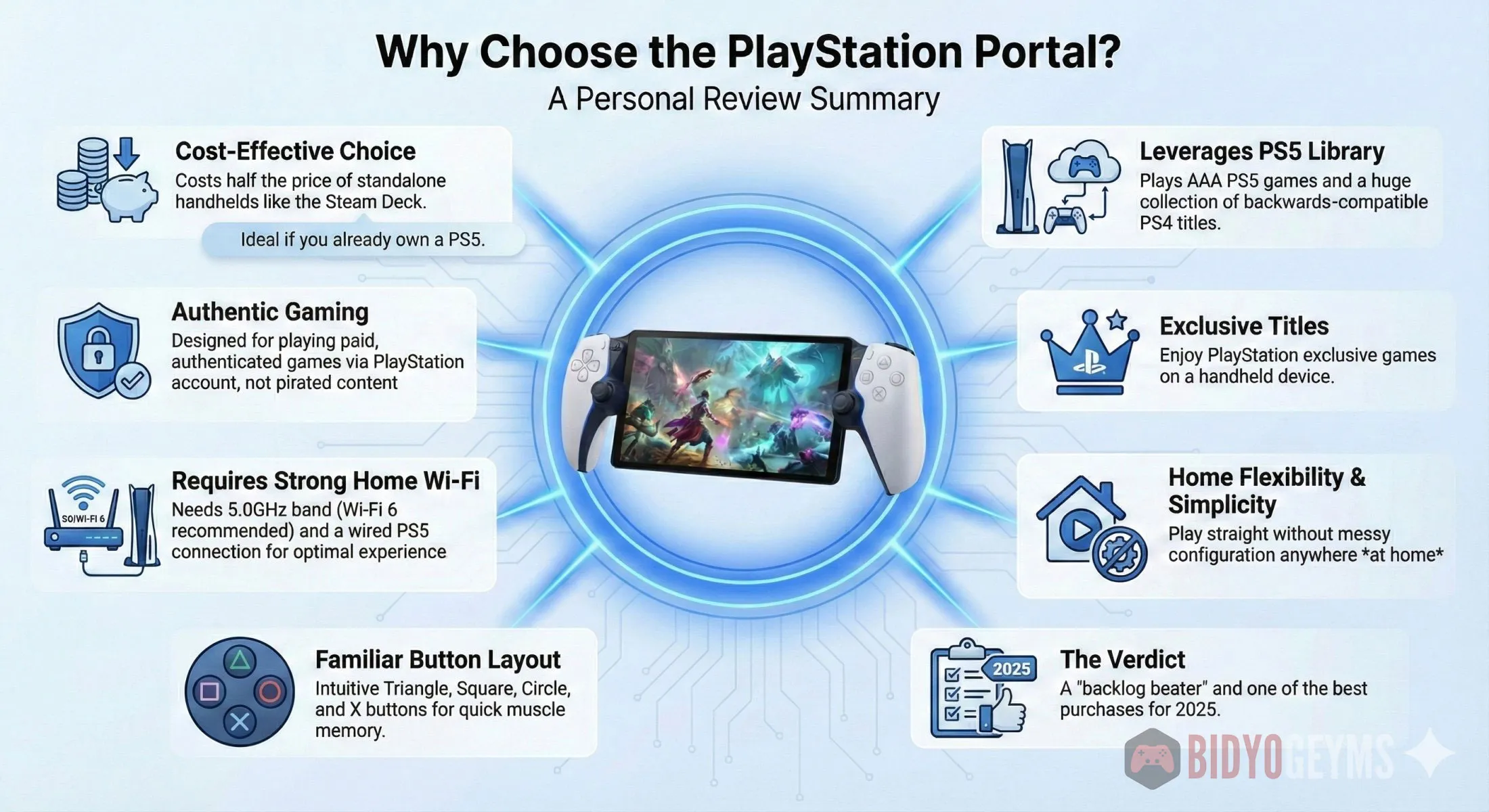
Here's an infographic discussing the summary of the article.
Will you be picking one up for yourself? Let us know in the comments!
Recommended Reading:
7 Great Benefits of Games Preorder on PlayStation
9+ Decade-Old Games You Should Never Miss!
From Shelf to Server: The Inevitable Death of Physical Games




.png)